





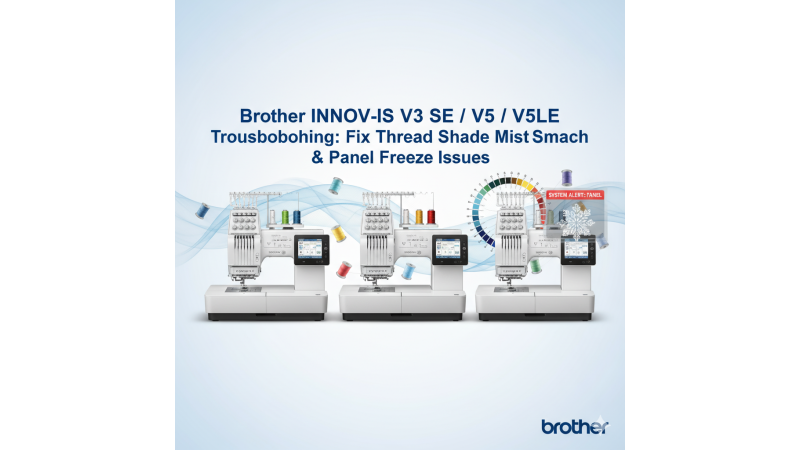

Brother INNOV-IS V3 SE / V5 / V5LE Troubleshooting: Thread Shade Matching & Software Panel Freeze Fix
The Brother INNOV-IS V3 SE, V5, and V5LE embroidery machines are widely appreciated for their precision and stitch quality. However, users often encounter two major issues: thread shade mismatching when importing online designs, and software or control panel freezing after updates. This detailed guide explains the reasons behind these problems and offers reliable solutions. For additional official support, you can also check Brother’s help resources such as their FAQ diagnostic section.
1. Understanding the Thread Shade Mismatch Issue
When you download embroidery files from various design platforms, the thread shades shown on your Brother INNOV-IS screen may not match the colors displayed in the original artwork. This happens because most online designers digitize files using thread palettes like Madeira, Sulky, Robison-Anton, or Isacord. Meanwhile, Brother machines rely on their own internal color chart, which leads to color shifts when loading external designs.
To understand how Brother machines interpret colors, users can explore official troubleshooting explanations available under the thread and color management FAQ section. For a practical approach, watching tutorials such as this thread color conversion video can help you learn how to map colors correctly.
2. Fixing Software Panel Freezes After Updates
Many Brother INNOV-IS V3 SE / V5 / V5LE users have reported software panel freezes after completing firmware updates. The freeze might occur while loading designs, navigating through menus, or adjusting stitch parameters. Most commonly, this happens due to incomplete firmware initialization, conflicting USB data, or outdated system entries.
Here’s how to fix it:
- Download firmware only from Brother’s official support pages, such as the INNOV-IS V3 SE update section.
- After updating, restart the machine and let it fully complete its boot cycle before inserting any USB stick.
- If the screen stays frozen, perform a soft reset by powering off the machine, unplugging it for 2–3 minutes, and reconnecting.
- Avoid powering the machine using fluctuating or unstable electric sources.
- Remove all non-essential USB drives during any update to prevent interference.
For a visual explanation of panel-related issues, you can refer to this helpful walkthrough video: Brother panel freeze tips.
3. Best Practices for Frame Usage & Design Selection
The Brother INNOV-IS V3 SE and V5LE support hoop sizes up to 200x300mm. Using designs that are incorrectly sized or converted can lead to display errors, color distortions, or design shifting. To avoid this, always choose designs created specifically for Brother hoops.
If you're looking for compatible design collections that support the machine’s full embroidery area, browse websites offering machine-specific files. A reference for how such curated designs are presented can be seen at Brother’s embroidery support categories.
4. Maintenance & Preventive Care
Proper maintenance helps reduce software freezes and ensures accurate thread color rendering. Clean the bobbin case, thread path, and needle area regularly. Watching practical guides such as this cleaning & setup tutorial can also make maintenance easier.
Whenever performing firmware updates or system resets, ensure that the embroidery environment is stable, dry, and free from voltage fluctuations to avoid unwanted electronic interruptions.
Conclusion
With the right troubleshooting steps—and by using designs correctly formatted for Brother machines—you can prevent thread shade mismatches and eliminate panel freezing issues. The Brother INNOV-IS V3 SE, V5, and V5LE machines are highly reliable once calibrated and maintained properly.
Continue exploring official Brother guides like the main FAQ resource page and video instructions like this troubleshooting video to keep your machine performing at its best.
Leave a comment